

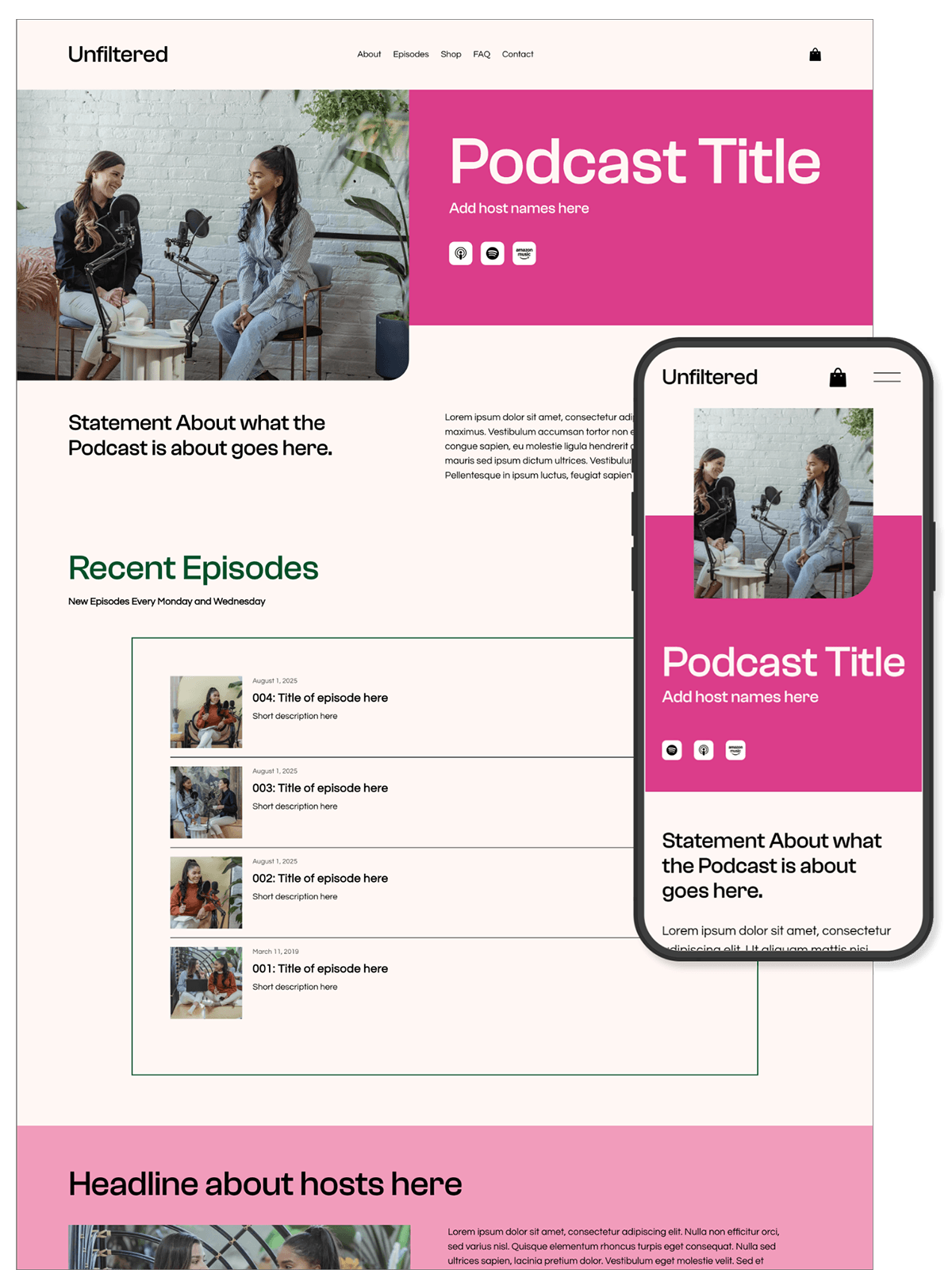
Podcast Squarespace Template
Unfiltered Template
The Unfiltered template offers a clean, modern design perfect for podcasters looking to showcase their content. It features a bold, dynamic layout with easy-to-navigate episode listings, a customizable player for seamless listening, and integrated social media links to help grow your audience.
With a minimalist approach and clear calls to action, it’s designed to engage listeners and streamline content discovery, making it ideal for both established and aspiring podcasters.
$249
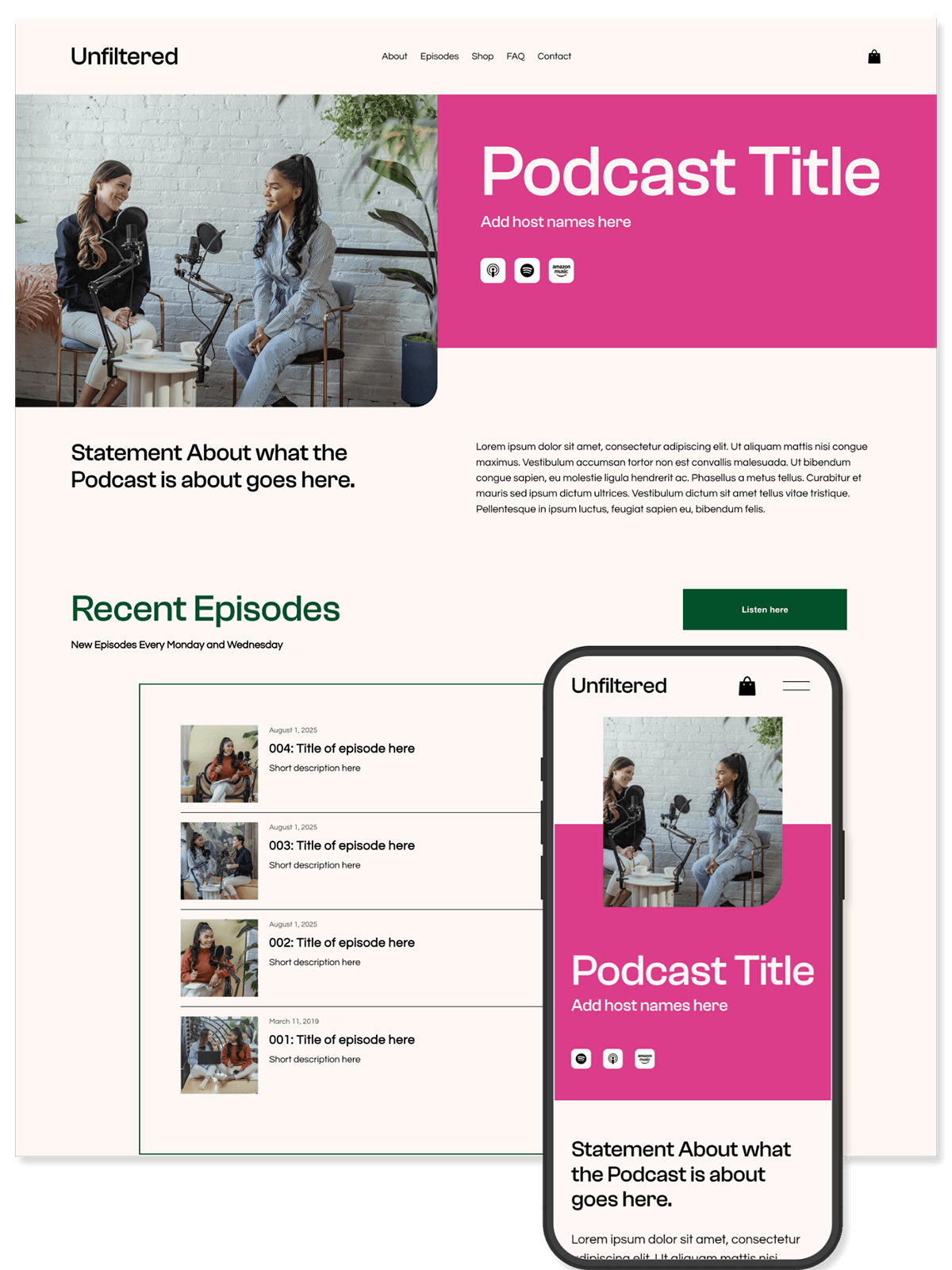
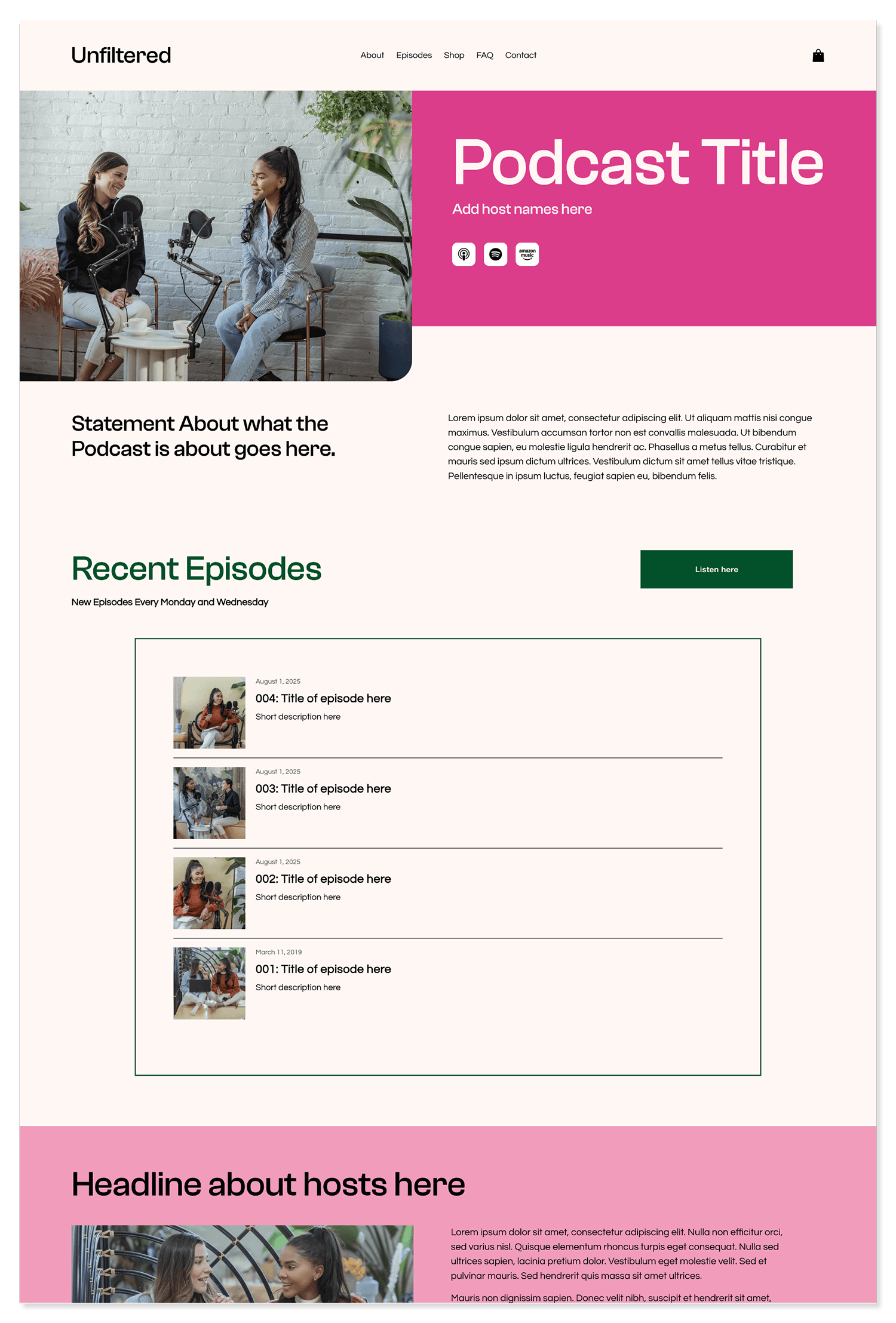
Pages Included
-
![unfiltered-home-page]()
Home
-
![unfiltered-episodes-page]()
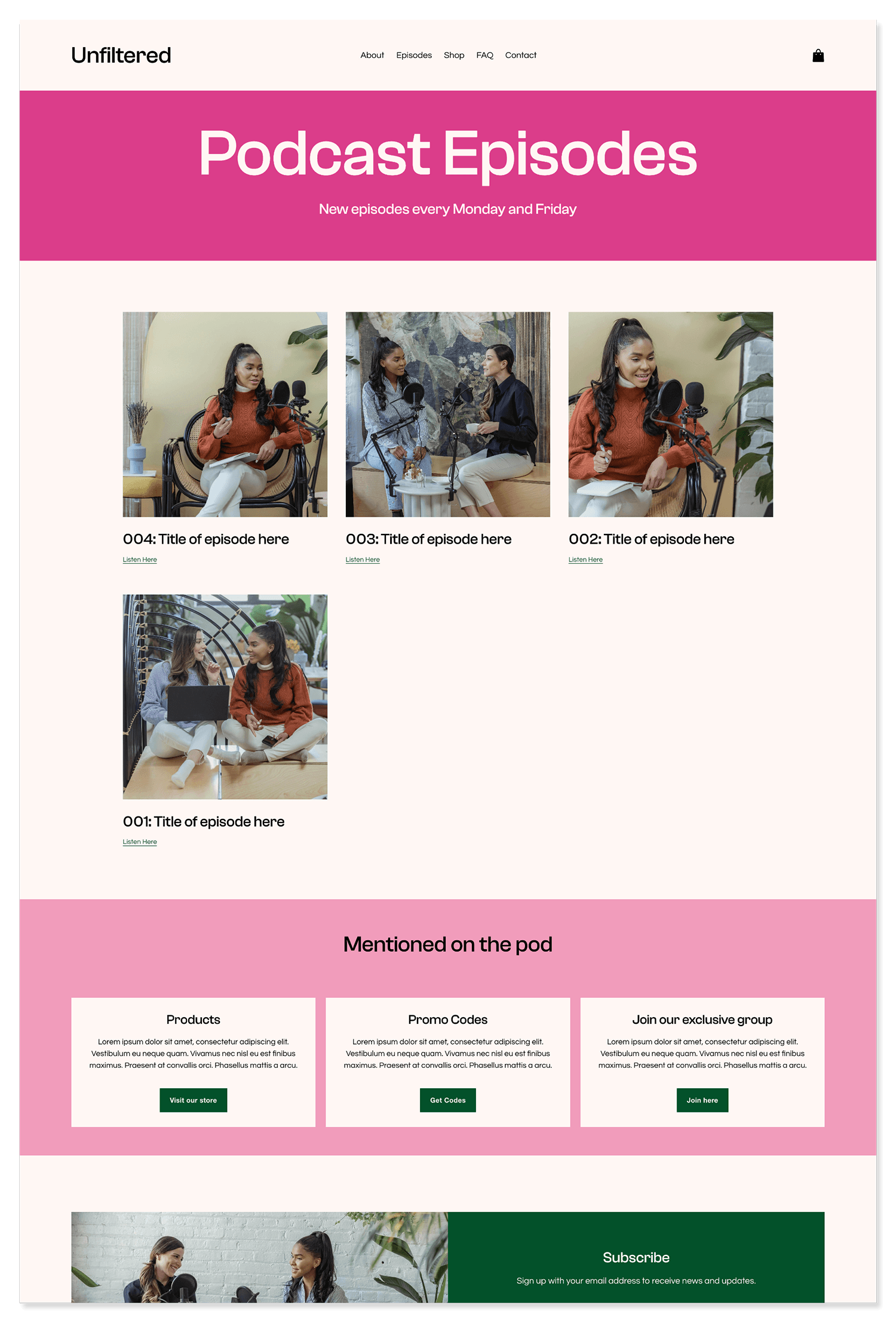
Episodes
-
![unfiltered-about-page]()
About
-
![unfiltered-store-page]()
Merch
-
![unfiltered-promo-codes-page]()
Promo Codes
-
![unfiltered-faq-page]()
FAQ
-
![unfiltered-contact-page]()
Contact
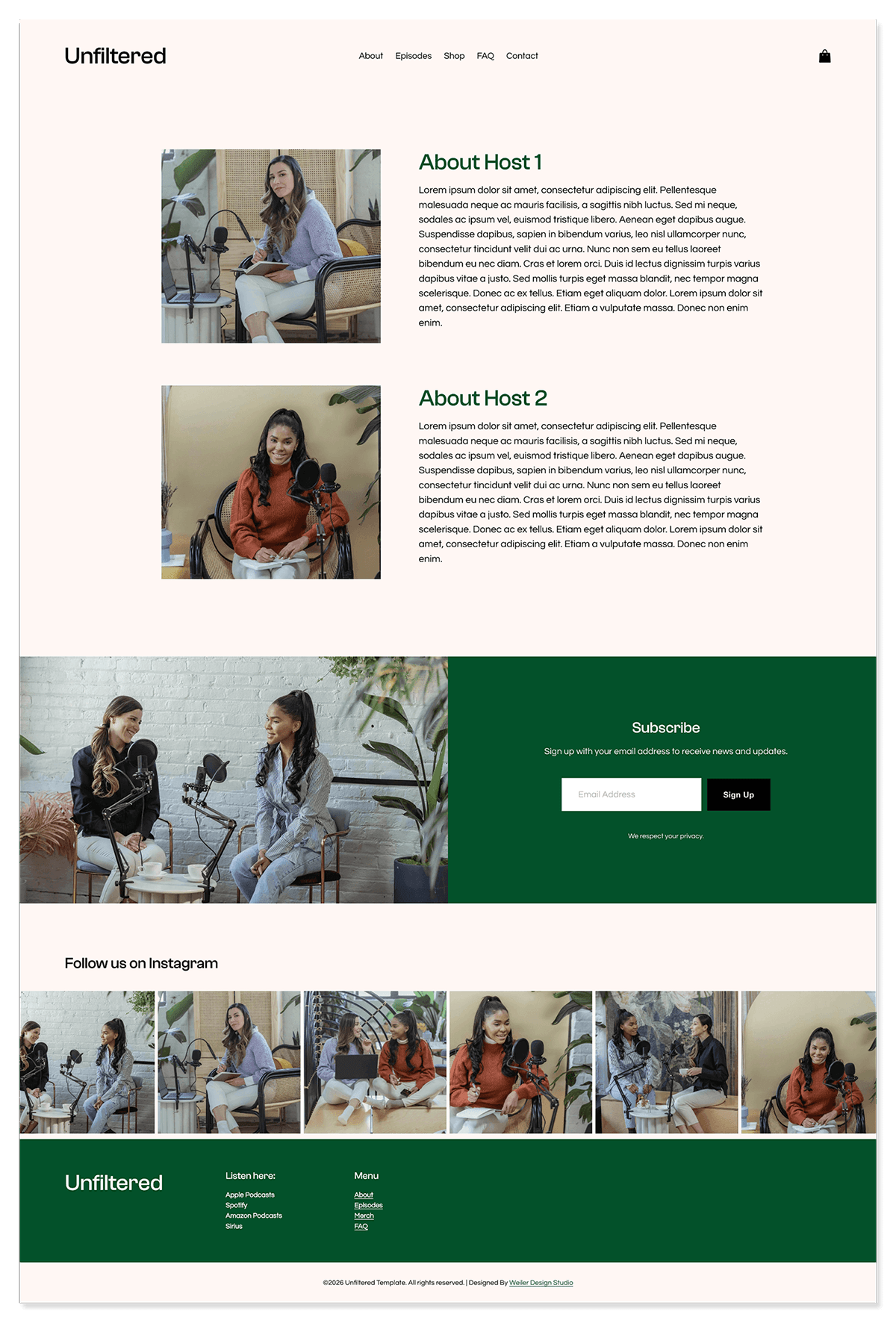
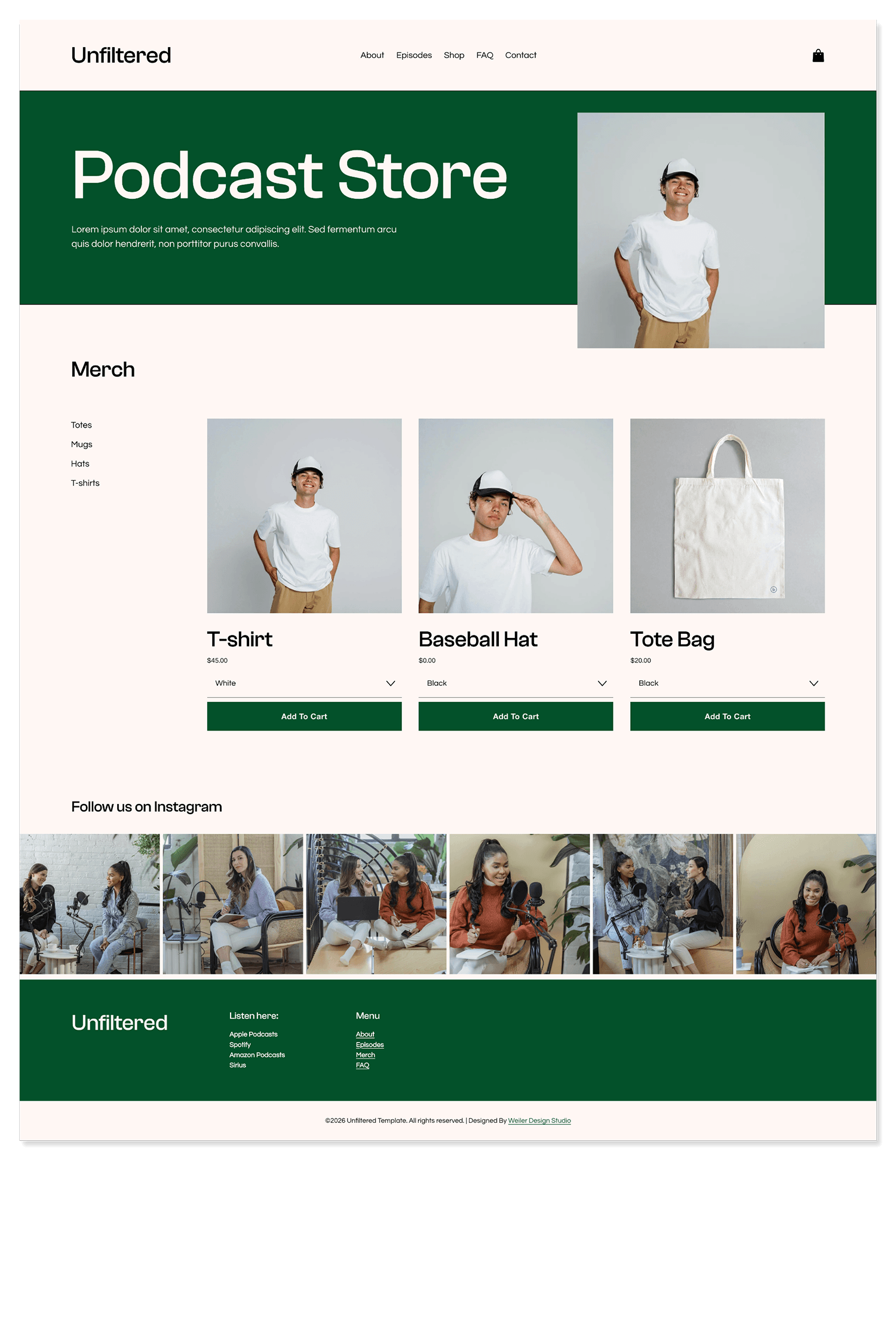
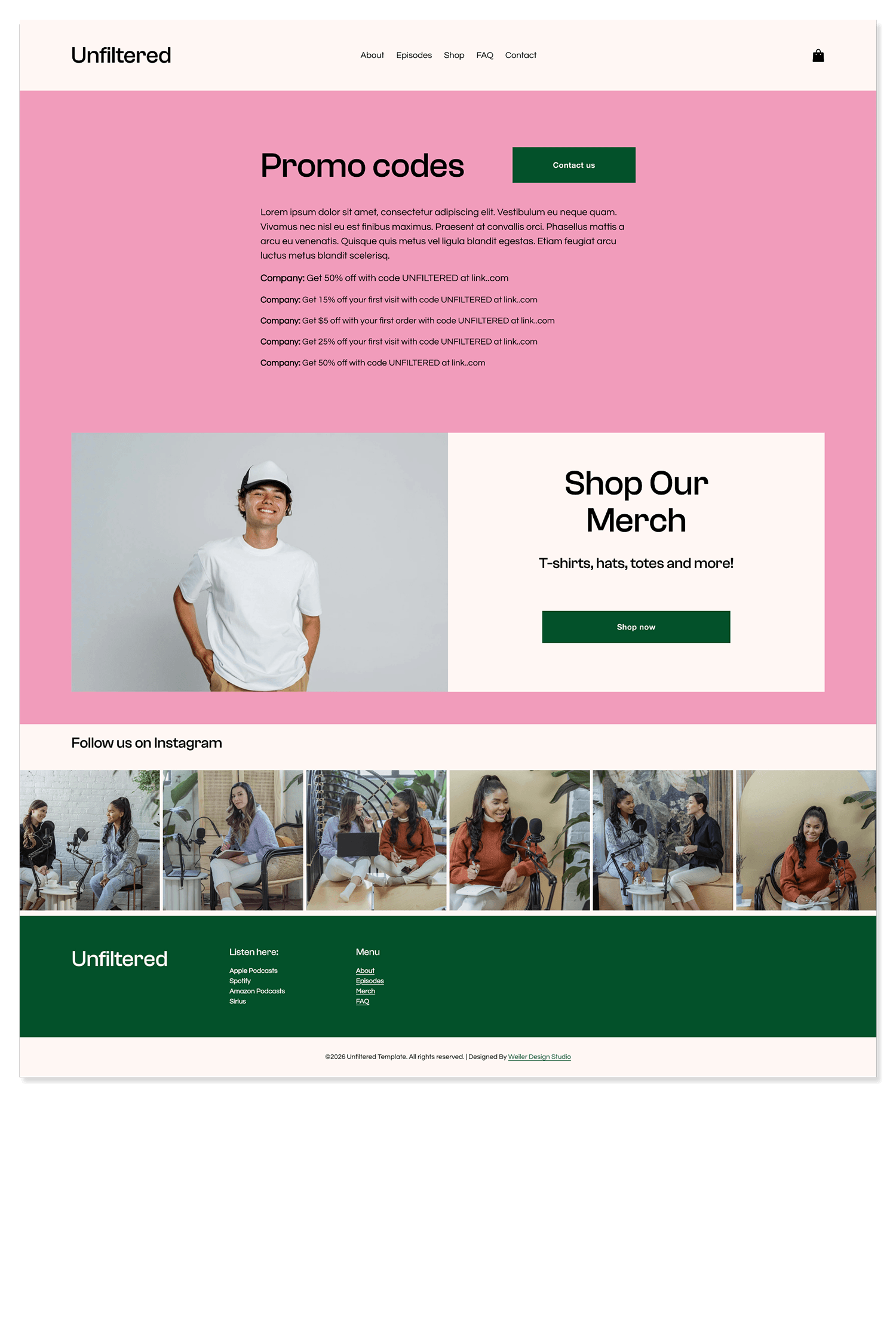
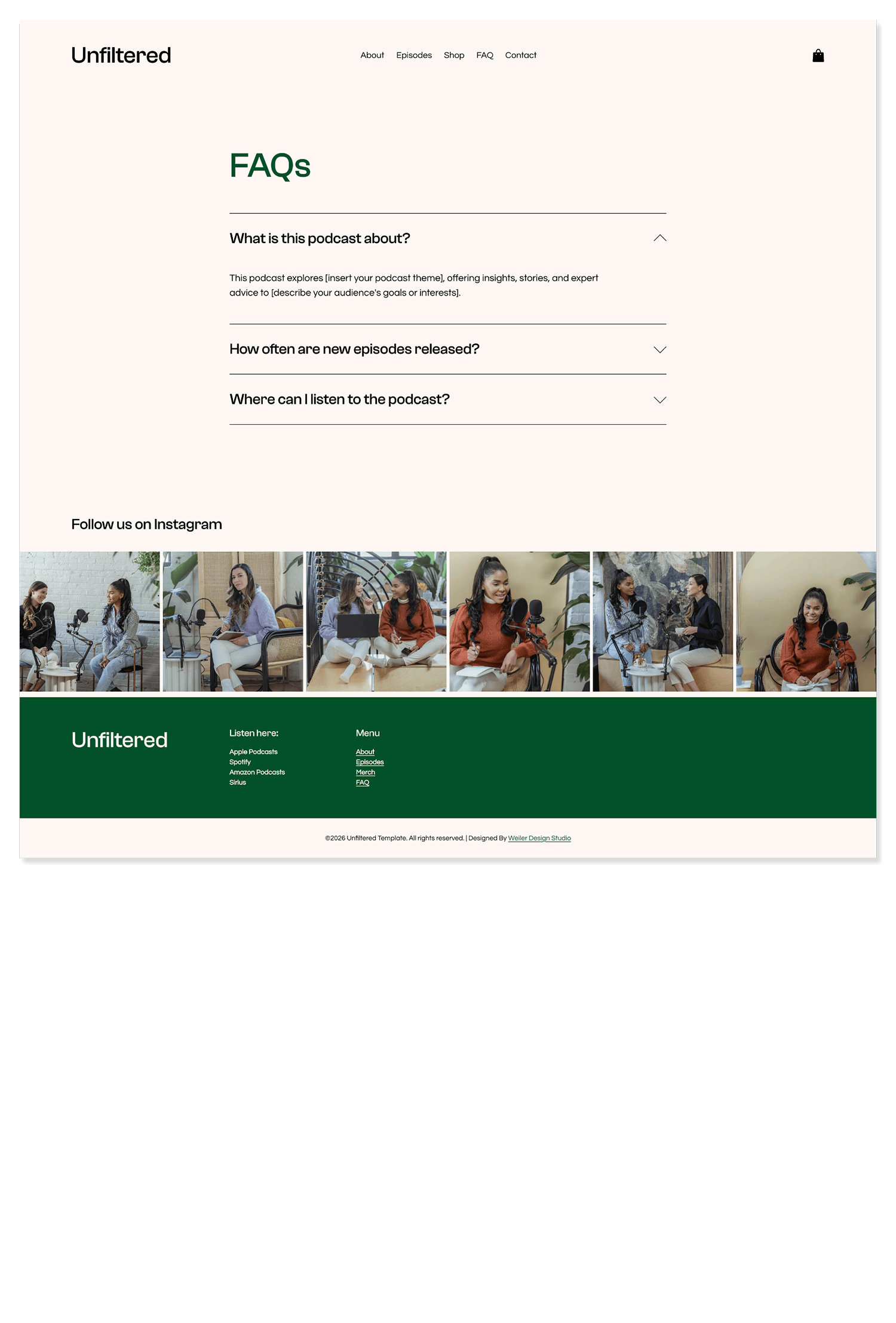
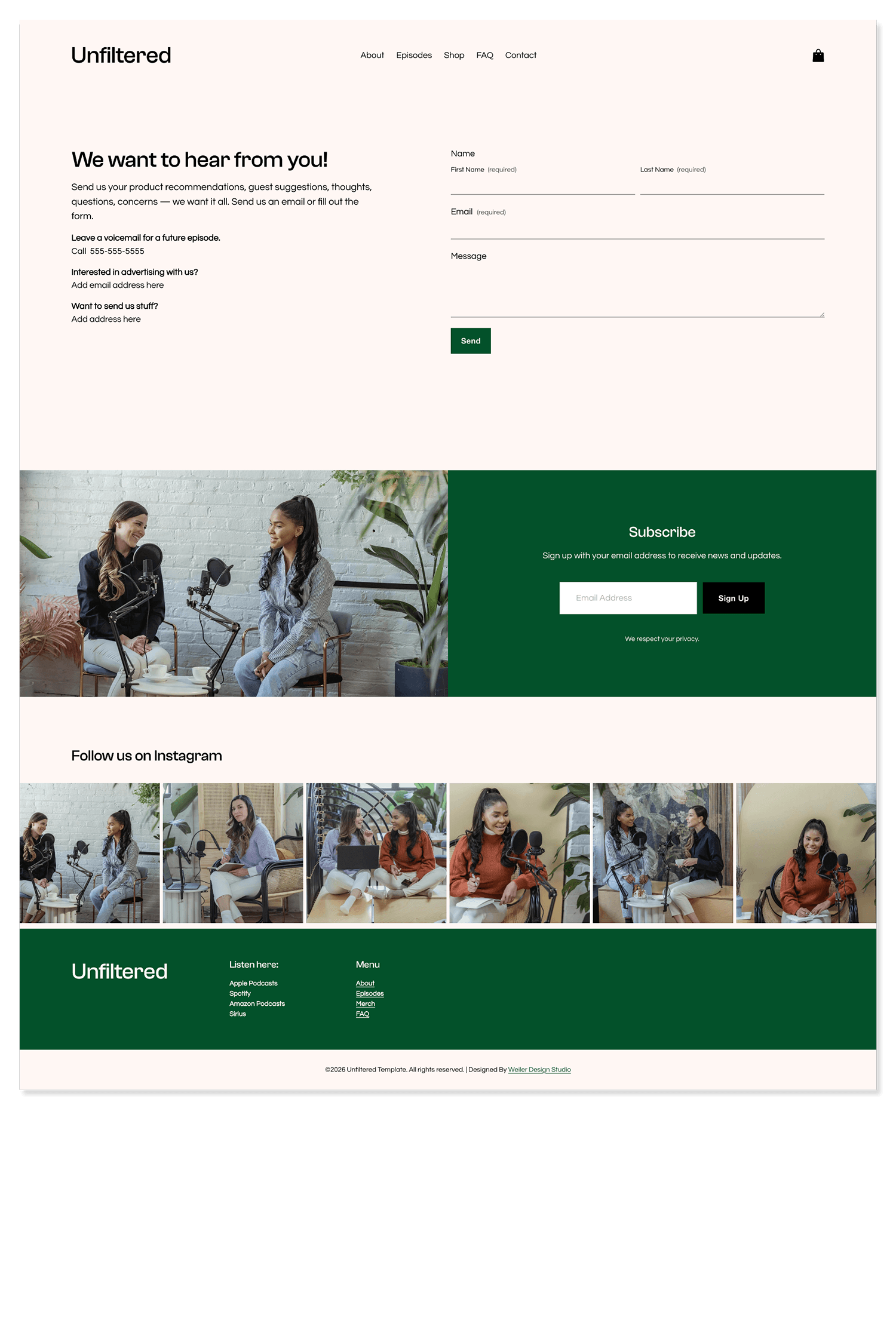
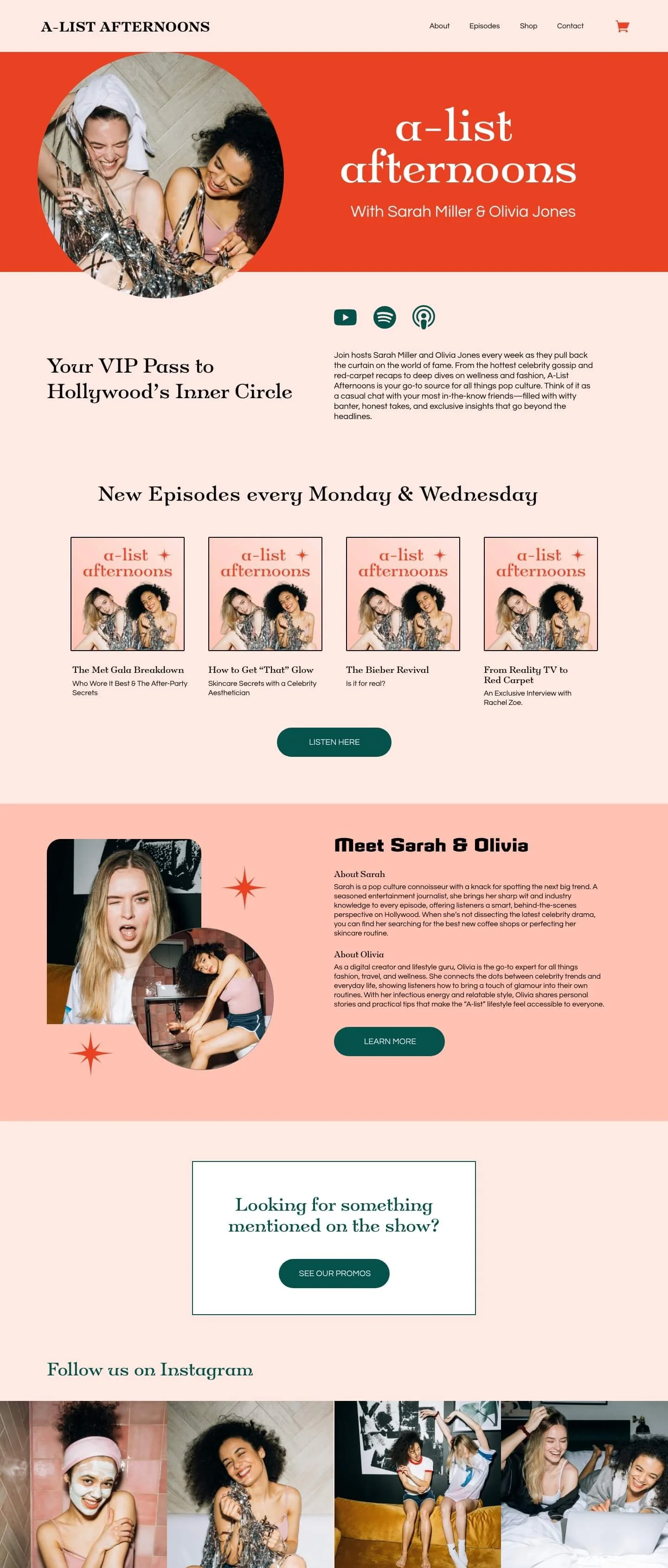
Customization Examples

What’s Included
Building a website from scratch can feel overwhelming, but with this podcast template, we’ve done the hard work for you. From beautifully designed layouts to step-by-step setup guidance, you’ll have everything you need to create a site that looks professional and works seamlessly for your business.
-
Your Squarespace template
6 months priority email support
3-month free Squarespace trial
10% off Squarespace discount (for your first year)
Tutorial library
-
Domain name
Squarespace 7.1 Core Plan (or higher). Wait until your template is delivered to sign up so you can get the 6-month free trial.
-
Fonts
Colors
Layouts
Text
Images
-
Your purchase allows you to use the template on one website (either for yourself or a client).
How It Works
STEP 1
Choose your template
Browse our collection of bold, high-conversion website templates and pick the one that best aligns with your design tastes and business needs.
STEP 2
Wait for delivery
Within 2 business days of purchase, you’ll receive an email asking you to accept a contributor invite for your copy of the template. Click the link in the email and the template will be added to your Squarespace account.
STEP 3
Customize the template
Restyle the template. You can change the fonts, colors, content, layouts, and even build new pages. Learn more using the tutorial library.
STEP 4
Launch your website!
Follow our tutorials to connect your domain name, optimize your SEO settings, and sign up for a paid Squarespace plan. Then, hit publish on your beautiful new website and celebrate!
FAQs
-
Within 2 business days of purchase, the template will be transferred to your Squarespace account as a new trial website. You will receive an email when this happens. If you don’t have a Squarespace account yet, you will have the opportunity to create one—no need to do this in advance!
Once you’ve accepted the contributor invitation, ownership will be transferred to you in a few business days.
-
The template will be transferred to your Squarespace account as a new trial website. You can customize the template without disrupting your current website. When you're ready to launch your new website, transfer your domain name from your old site, cancel your old Squarespace plan, and sign up for a new plan on the new site.
You can contact Squarespace support for a refund on any time not used on your old annual plan.
-
Ownership will be transferred a few days after you accept the contributor invitation.
-
Go to the following domain name. Replace “yourdomain” with your built-in Squarespace domain.
yourdomain.squarespace.com/config/extendtrial
-
Yes! You can add anything you want to the template, just like any other Squarespace website.
-
Go to Website > Pages and scroll down to the bottom where it says “Deleted Pages.” From here you can restore pages deleted within the last 30 days.
You can also use the Section Library to rebuild sections or pages from the template.
-
Please go to pages > Section Library. This will allow you to rebuild any sections or pages from the template if you feel like you messed them up by accident.
-
No, you may only use the template on one website. If you would like to use it on another website, you must purchase another license.
-
Contact support@weilerdesignstudio.com for your login info.
-
Due to the digital nature of Squarespace templates, we do not offer refunds. Please make sure you read all of the information on the sales page before purchasing!